
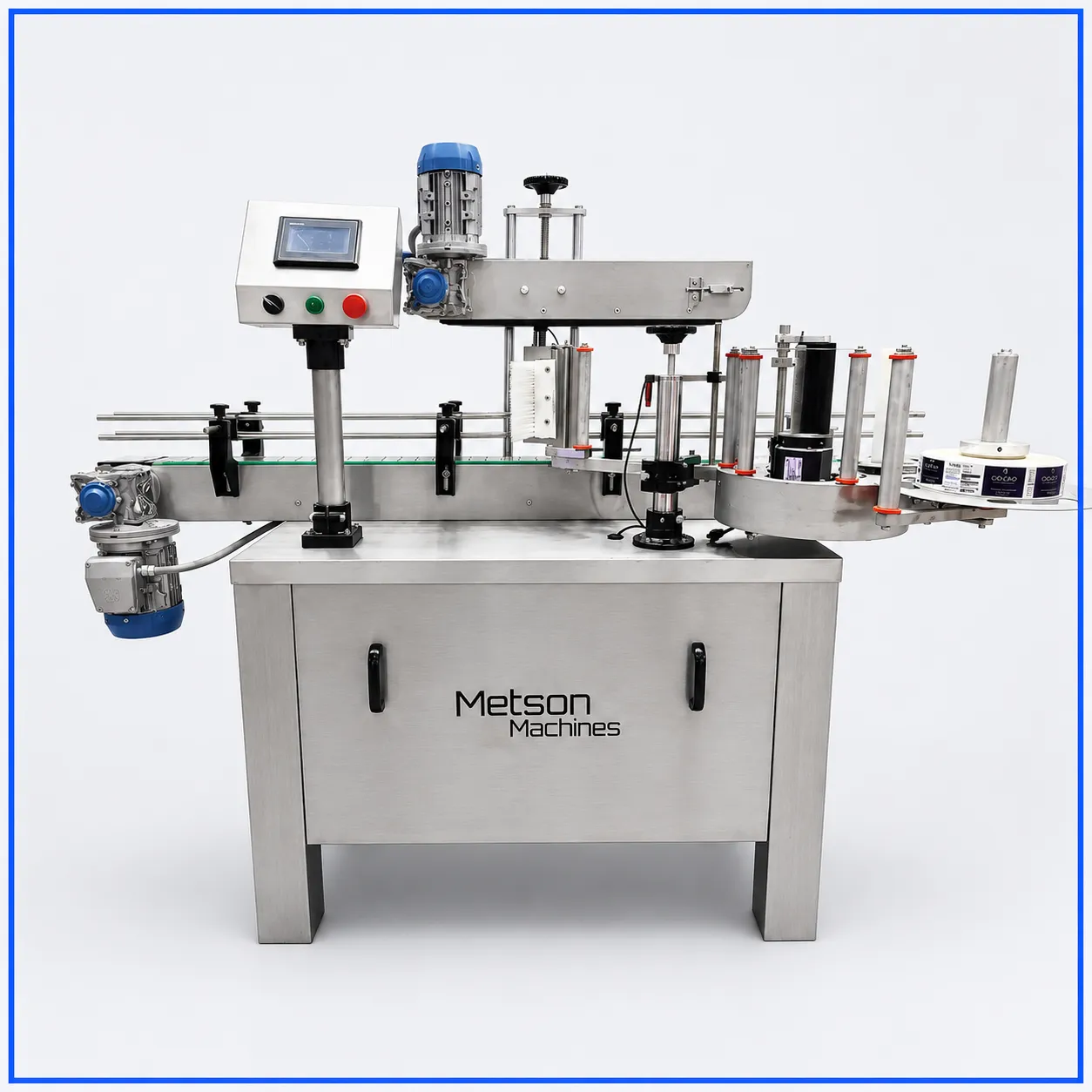
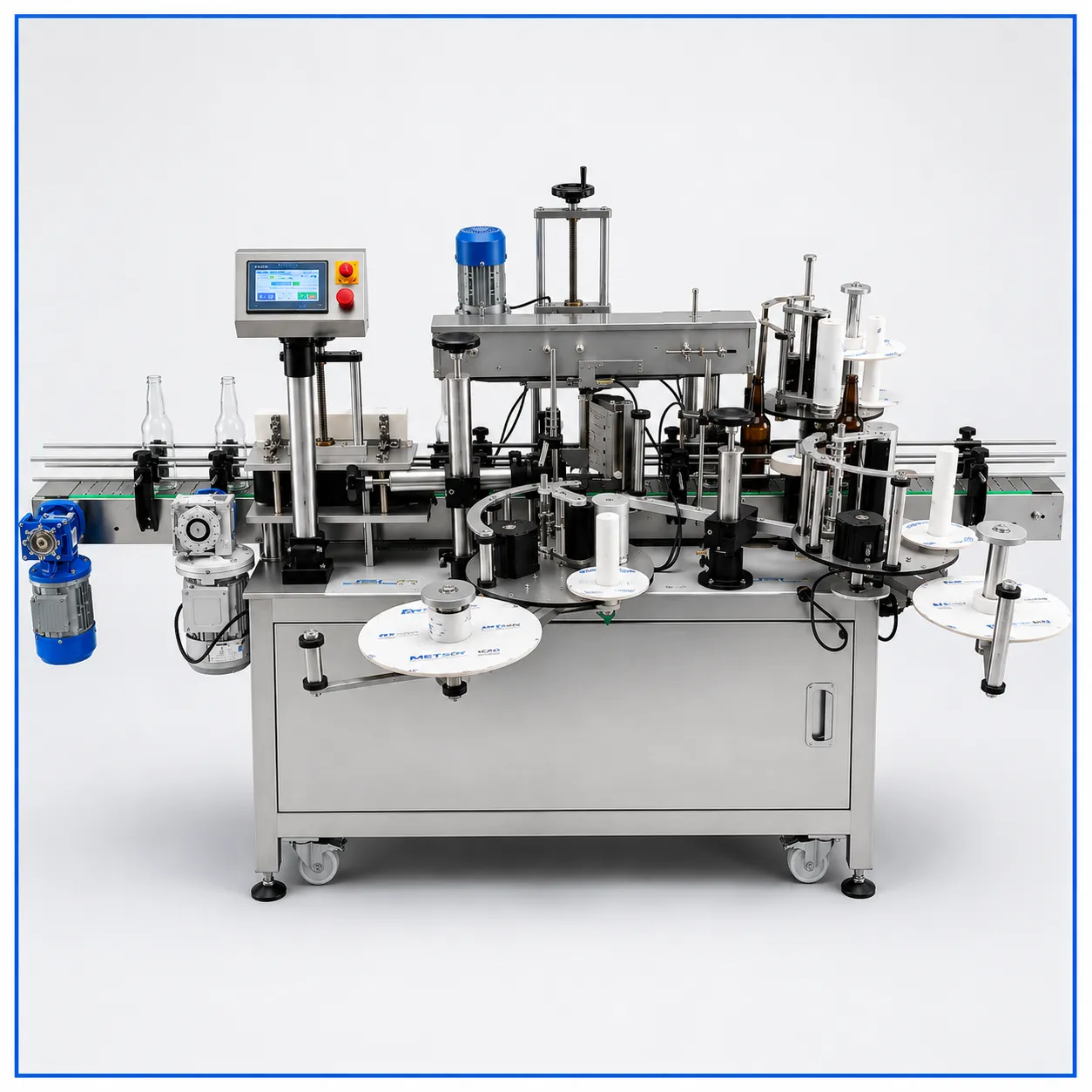
As a labelling machine manufacturer, we design our machines so operators can handle common operating issues without immediately calling a service engineer. Knowing what to check first can reduce unnecessary downtime and help keep production moving.
1. Incorrect Label Position
If the label is slightly too high, low, or offset, the operator can first check the label-position setting and product alignment.
Also verify that the product is entering the machine in the correct position.
Call our service team if: the position continues changing even after the basic settings and alignment have been checked.
2. Label Roll or Web Feeding Problems
Labels may skip, wrinkle, overlap, or stop feeding because of incorrect threading or roll installation.
The operator can check:
- Label-roll direction
- Web threading
- Roll alignment
- Label tension
- Torn or damaged labels
Call our service team if: the web continues to feed incorrectly after proper threading and adjustment.
3. Product Detection Issues
If the machine does not detect a container consistently, first inspect the product sensor for dust, adhesive residue, or obstruction.
Check that products are also entering with consistent spacing.
Call our service team if: the sensor repeatedly fails or gives inconsistent signals after cleaning and basic adjustment.
4. Label Jams
Stop the machine and remove accessible label material following the machine’s operating procedure.
Inspect the label path for:
- Torn labels
- Adhesive buildup
- Incorrect threading
- Obstructions
Call our service team if: jams keep occurring without an obvious cause.
5. Inconsistent Product Positioning
Uneven containers entering the labelling station can cause inconsistent application.
The operator can check the conveyor, guides, spacing, and product orientation before making minor adjustments.
Call our service team if: mechanical alignment cannot be corrected through normal operator adjustments.
6. Incorrect Machine Settings
When changing products or labels, verify that the selected settings match the current production format.
Parameters such as labelling position, product spacing, conveyor speed, and application timing can affect performance.
7. Basic Alarm or Reset
Some temporary operating faults can be cleared using the machine’s normal reset procedure.
However, repeatedly resetting the same alarm is not troubleshooting.
If the alarm returns, contact our service team so the underlying cause can be identified.
What Operators Can Handle
| Issue | Operator |
|---|---|
| Label-roll replacement | ✓ |
| Label threading | ✓ |
| Minor label-position adjustment | ✓ |
| Sensor cleaning | ✓ |
| Product alignment checks | ✓ |
| Label-web jam removal | ✓ |
| Basic machine settings | ✓ |
| Repeated sensor faults | — |
| Motor or drive problems | — |
| PLC faults | — |
| Electrical faults | — |
| Major mechanical repairs | — |
When Should You Stop Troubleshooting?
Operators should not open electrical panels, alter wiring, repair motors or drives, modify PLC programming, or dismantle major mechanical components.
A useful rule is:
If the problem can be corrected through normal operating controls, cleaning, alignment, or approved adjustments, the operator can handle it. If it requires repair, electrical work, or repeated recalibration, our service engineer should inspect the machine.
Support From the Manufacturer
As the labelling machine manufacturer, we can support operators with machine setup, format changes, troubleshooting, preventive maintenance, and technical service.
Good operator-level troubleshooting keeps minor issues from stopping production. Knowing when to escalate the problem ensures that more serious faults are handled correctly and safely.